
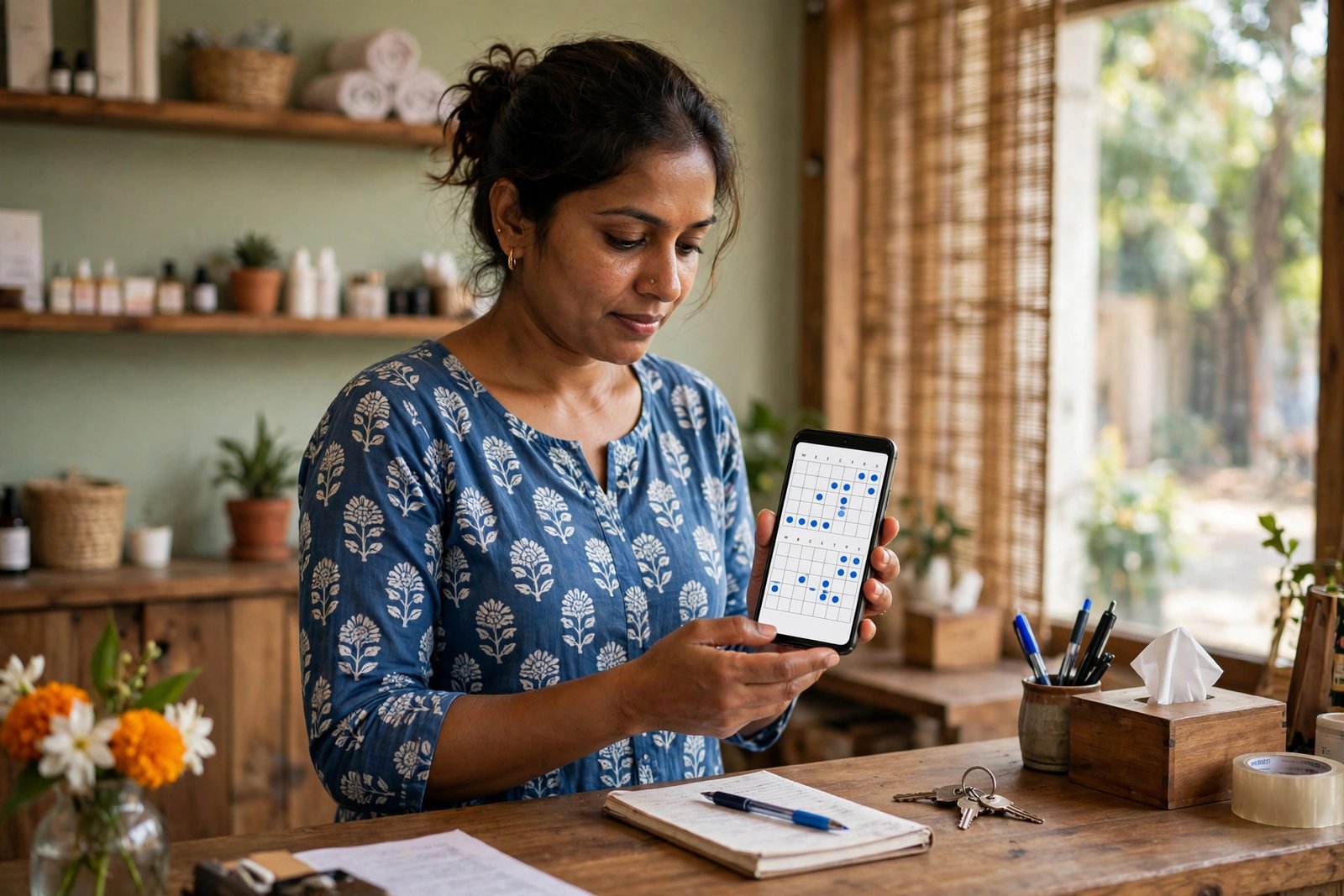
An online booking system on your website works like a receptionist who never sleeps. Customers book at midnight, on Sundays and during your busiest hours — and every booking lands in your inbox without a single phone call.
Customers book when they decide, not when you are free
Most bookings are decided outside your working hours. A customer who finds your salon, clinic or coaching centre at 10 pm will book with whoever lets them book now — not with the business that asks them to call tomorrow.
It cuts the phone tag and the no-shows
A booking form that asks for name, phone number, service and time replaces five phone calls. Add a simple confirmation message and a reminder, and fewer customers forget their appointment.
Keep the form short or people abandon it
Ask only what you need to confirm the booking — name, phone, service, date and time. Every extra field is a reason to close the page, so save the details for when the customer arrives.
Show availability honestly
A booking system should show real open slots, not a form that promises a time you cannot give. If you take bookings manually, say so and reply quickly — a fast reply keeps the trust a slow one loses.
What your booking system needs
1. A short form — name, phone, service, date and time. 2. A confirmation message the customer receives at once. 3. A reminder before the appointment. 4. A way for you to change or cancel a booking easily. 5. Your phone number visible for customers who prefer to call.
Takeaway: Add a short booking form to your website and reply fast — customers who can book in the moment rarely wait for the business that makes them call.
Want help with this?
Tell us about your business and what you want to improve. We reply with next steps and a clear quote.
Talk to Us →