
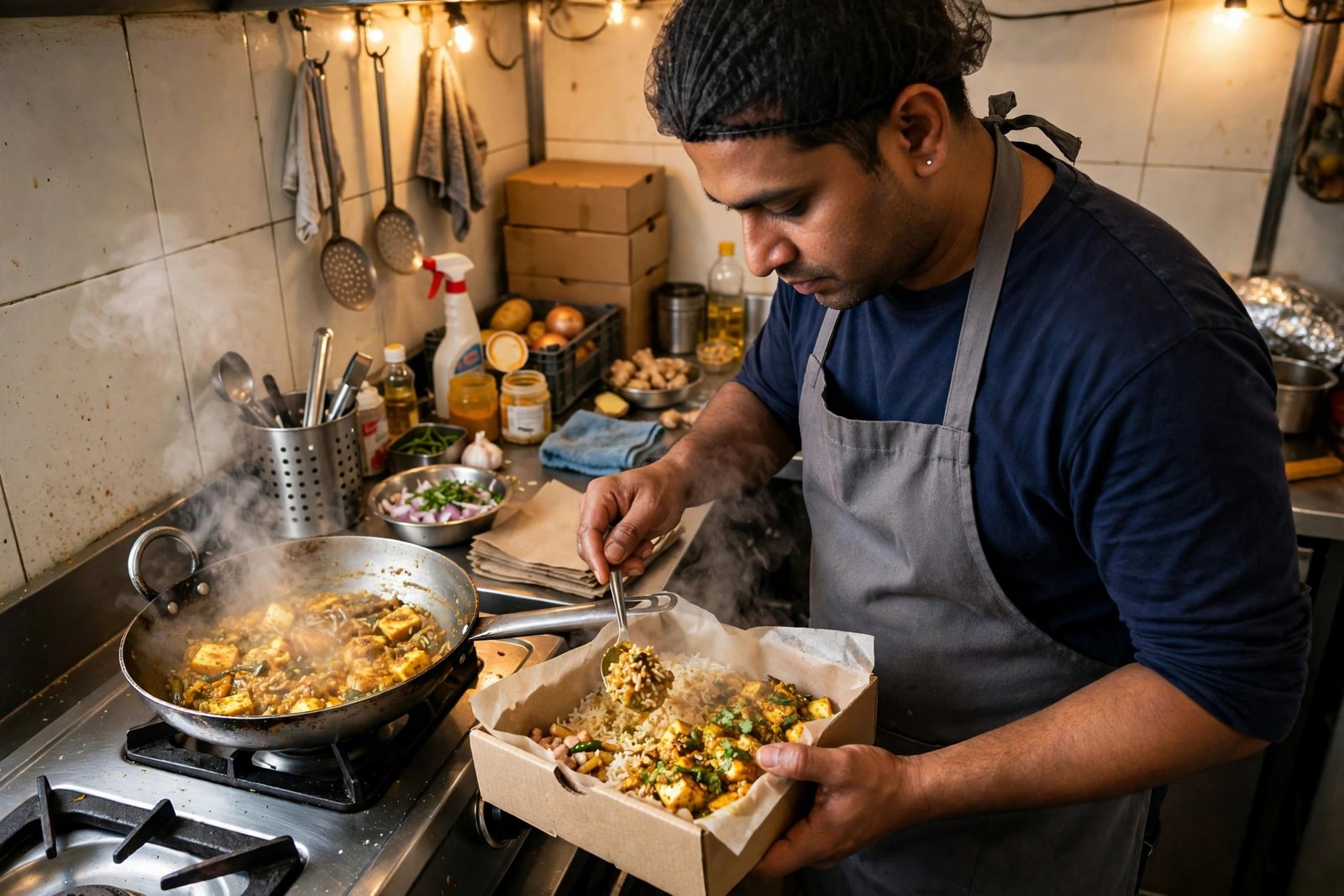
A cloud kitchen has no dining room, so your website is your shopfront. When someone searches for food late at night, a good cloud kitchen website shows them your menu with real photos and a one-tap way to order — before they open a delivery app.
Real photos sell the food People order with their eyes first. Use real photos of the dishes you actually serve, taken in your own kitchen. A stock photo of a burger you do not sell will only disappoint the customer who orders it.
Prices and timings, stated clearly Put your menu with prices on the website, along with your delivery areas and timings. A hungry customer will not call to ask the price of every dish — they will order from the kitchen that shows it.
Make ordering a one-tap job A WhatsApp order button beside every dish is the simplest start. Customers tap, send their order, and you confirm. A short order form works too. What matters is that ordering takes less than a minute — anything longer loses the sale.
What your cloud kitchen website needs 1. Your menu with real photos and prices. 2. A WhatsApp order button on every dish. 3. Delivery areas, charges and timings. 4. Today's specials on the homepage. 5. Your phone number and a way to track the order.
Keep the menu fresh Update your menu when dishes change, and put today's special on the homepage every day. A cloud kitchen website with a fresh menu feels like a kitchen that is cooking right now.
Takeaway: Show your real dishes with prices, make ordering one tap on WhatsApp, and state delivery clearly, and your website will keep bringing you orders.
Want help with this?
Tell us about your business and what you want to improve. We reply with next steps and a clear quote.
Talk to Us →