
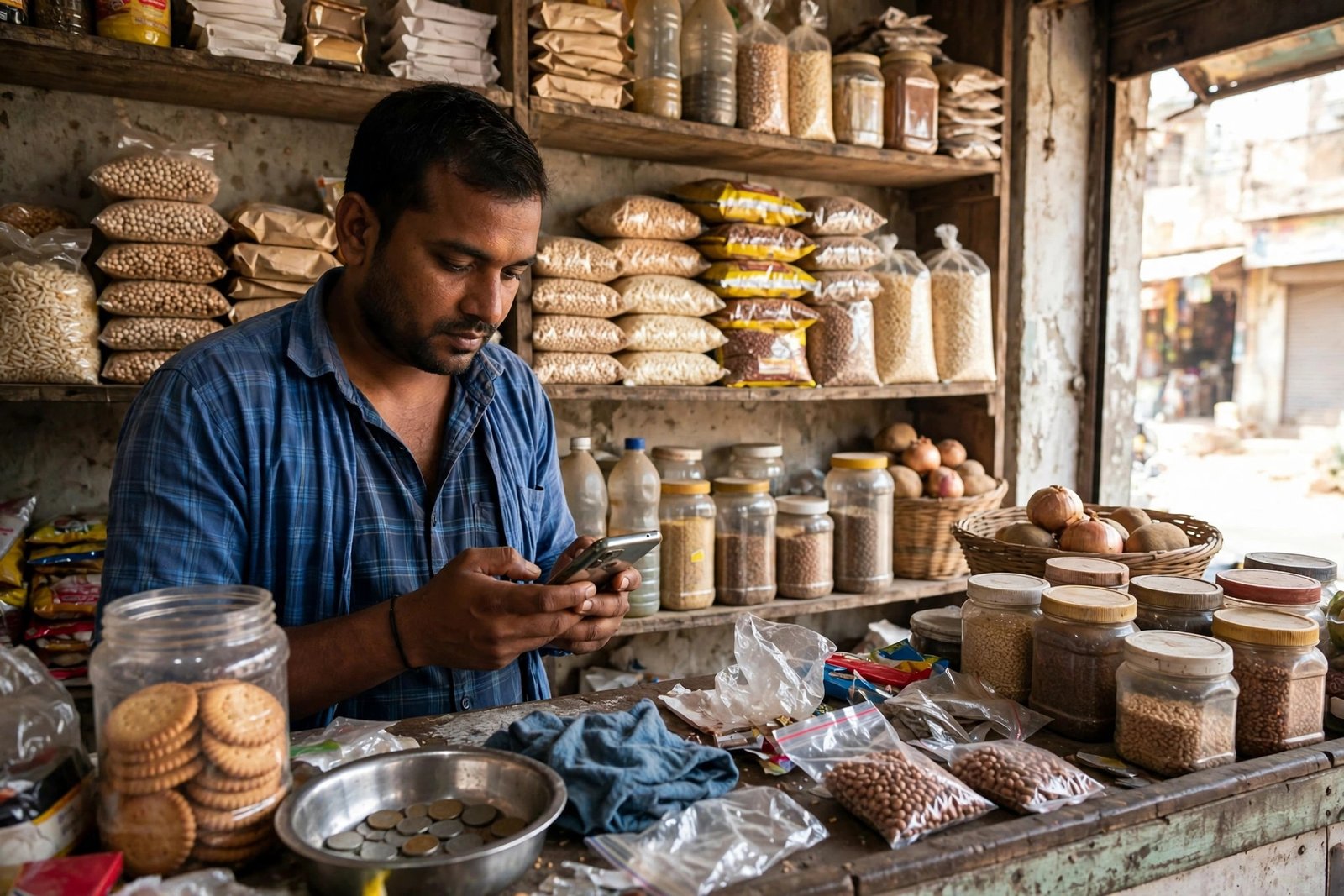
A WhatsApp Business guide is worth reading because your customers are already on WhatsApp all day. When a customer messages you about a product, a price or a booking, a quick, professional reply is often the difference between a sale and a lost enquiry.
Set up your business profile properly Add your real business name, your address, your working hours and a short description of what you sell. A complete profile tells a new customer you are a real business, not just a random number.
Use quick replies for common questions Most customers ask the same few things — prices, timings, delivery, location. Save those answers as quick replies so you can answer in seconds instead of typing the same message twenty times a day.
Labels keep your chats organised Label chats as new enquiry, order placed, payment pending or follow-up needed. At the end of the day you can see exactly who is waiting for a reply and who needs a gentle reminder.
Send catalogues, not long messages A WhatsApp catalogue lets customers browse your products with photos and prices right inside the chat. It is far easier than sending ten separate photos and hoping they scroll through them all.
How to turn chats into customers 1. Reply within minutes — a fast reply wins the sale. 2. Ask one clear question to understand what they need. 3. Share the product photo, price and delivery details together. 4. Send the payment link or UPI details only after they confirm. 5. Follow up once, politely, if they go quiet.
Takeaway: Treat every WhatsApp chat like a customer standing at your counter — reply fast, answer clearly, and make ordering effortless.
Want help with this?
Tell us about your business and what you want to improve. We reply with next steps and a clear quote.
Talk to Us →